
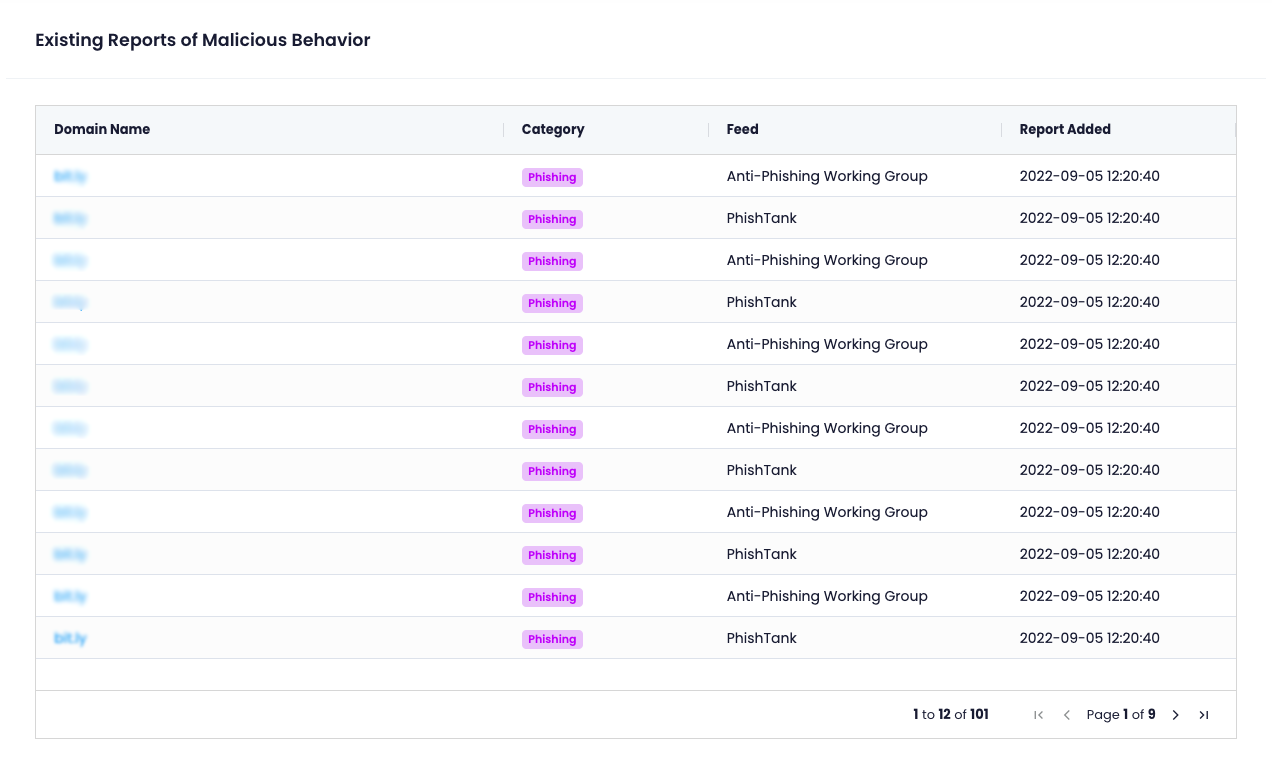
Once logged into your account, you will be brought directly to the "Reports" section of iQ Abuse Scan
From this area, you will be show all reports for a given domain name, and the category, Threat Feed that notified of the malicious behaviour and when the report was added
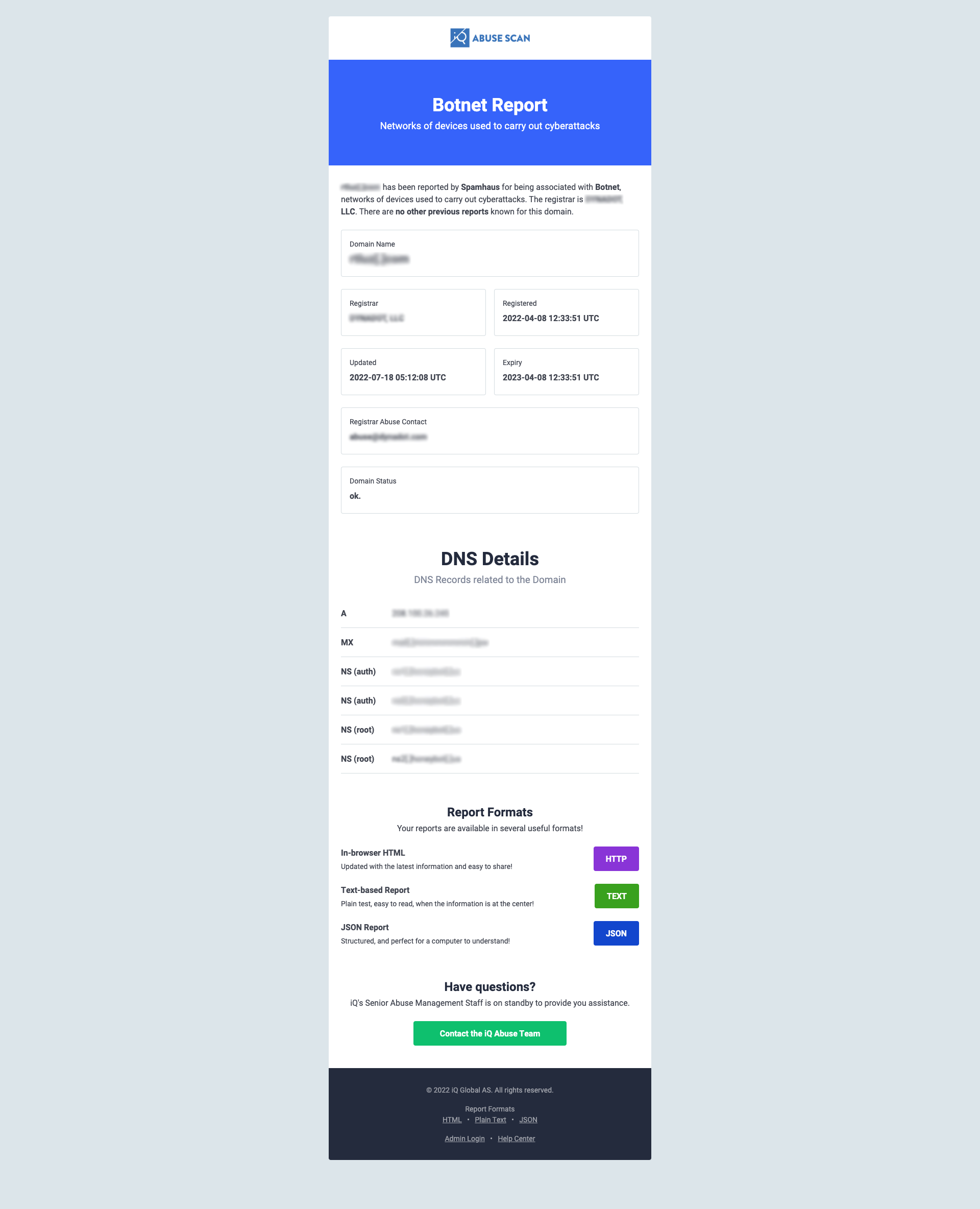
Clicking on the domain name will open a new tab containing the full report for that domain name