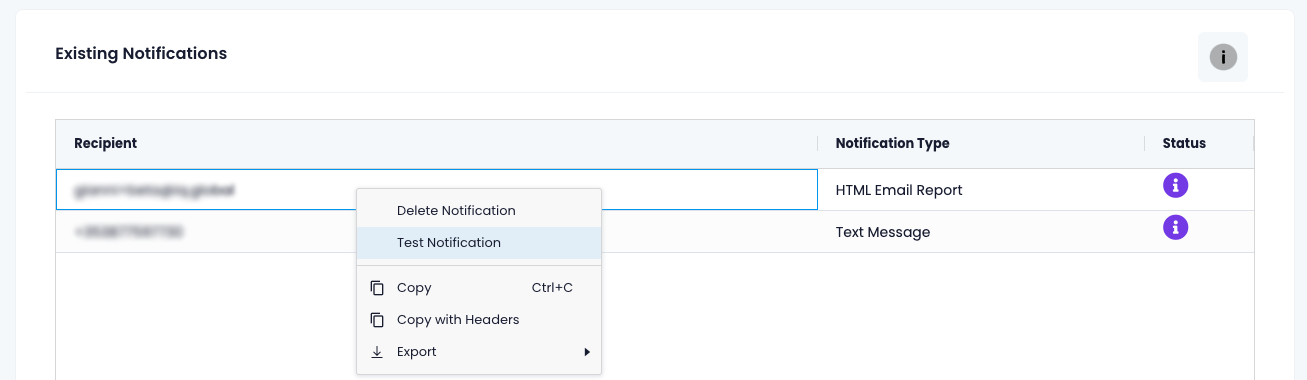

iQ Abuse Scan supports multiple notification types.
Email
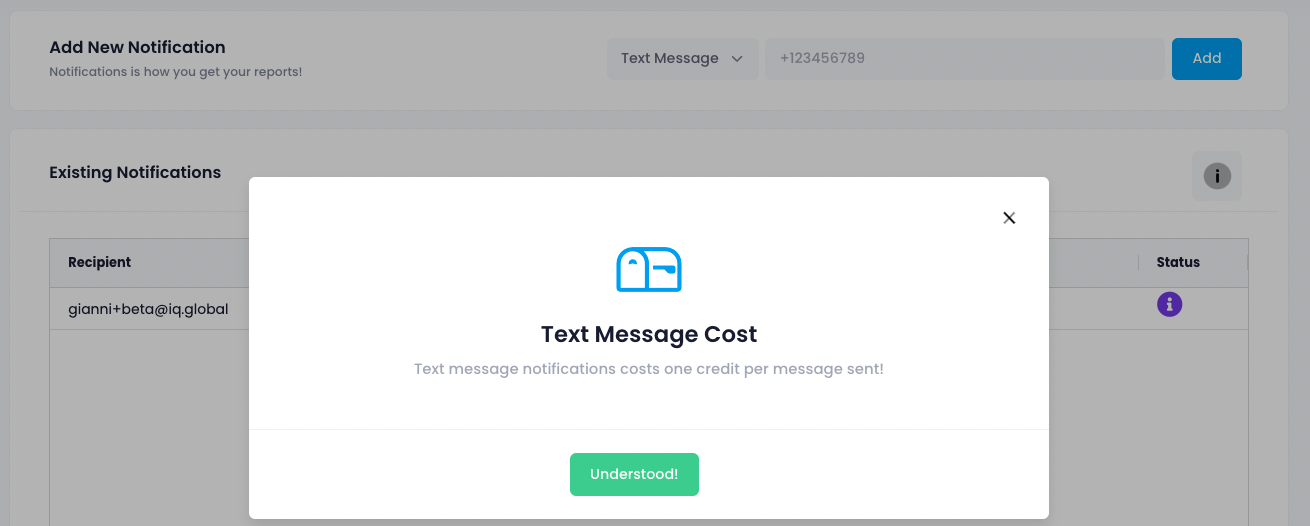
Text Message (additional charges apply)
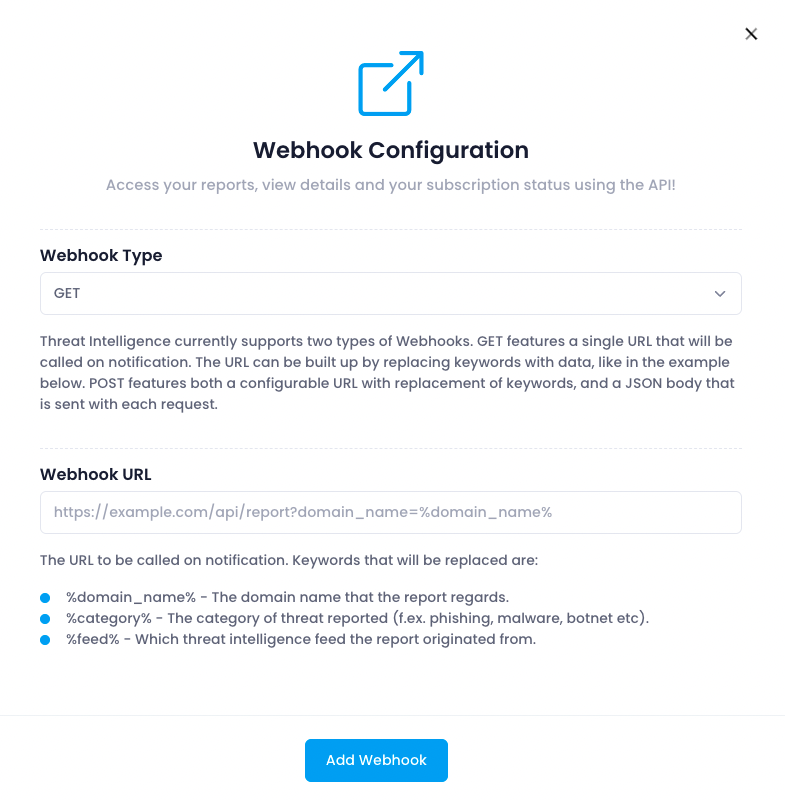
Web-hook
To create a notification:
Click the "Notifications" menu item

In the "Add New Notification" section, select your notification preference and add the relevant contact details

Each notification type requires different inputs and selections
Email: an email address and message format (html, plain text, json)

Text Message: requires a cell phone number in international format e.g. +35312345678.
Please note that you will be charged one credit for each text message
Web-hook: GET/POST, Web-hook URL + relevant keyword(s)
You can test a notification by:
right-clicking the relevant notification
clicking "Test Notification"